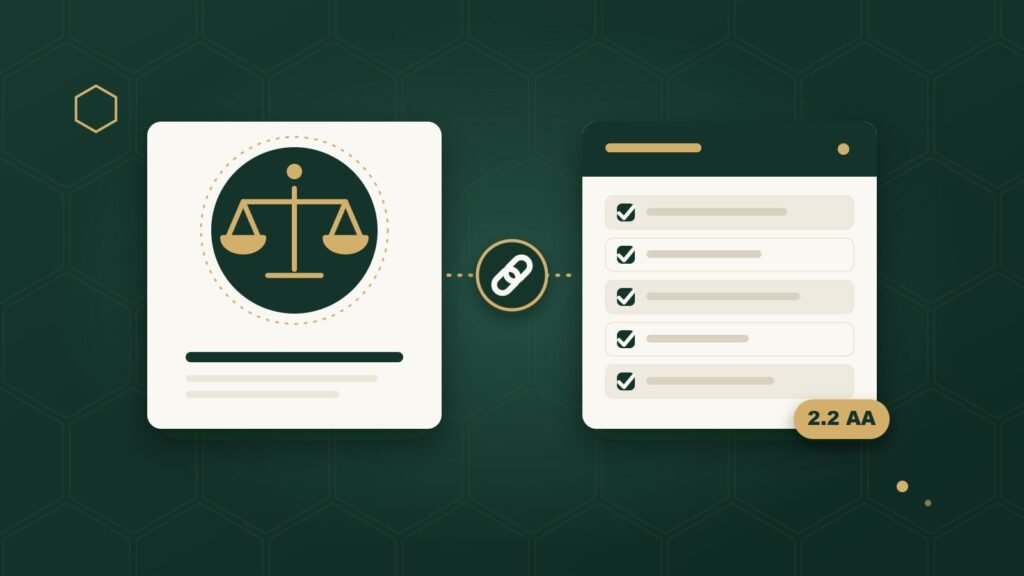
ADA and WCAG are not the same thing. The ADA is a U.S. civil rights law. WCAG is a technical set of guidelines for building accessible websites. They’re related — WCAG is the standard most often used to figure out whether a website meets the ADA’s expectations — but one is a law and the other is not, and mixing them up leads to some common, avoidable mistakes.
Here’s what each one actually is, how they connect, and what that means for your business website.
What Is the ADA?
The ADA is the Americans with Disabilities Act, a U.S. federal law passed in 1990. Its basic idea is simple: people with disabilities should be able to participate in everyday life — including using businesses open to the public — without being shut out.
The ADA doesn’t say anything about HTML, buttons, or screen readers. It wasn’t written with websites in mind at all; it was written for physical spaces like stores, restaurants, and offices. But the U.S. Department of Justice, the federal agency that enforces the ADA, has taken the position for years that the same basic idea extends to business websites: if your business serves the public, your website is part of how you serve the public.
That’s why business owners hear about the ADA in connection with websites at all. The law itself is broad and doesn’t list technical requirements. It just says people with disabilities deserve access.
What Is WCAG?
WCAG stands for Web Content Accessibility Guidelines. It’s written and maintained by the World Wide Web Consortium (W3C), specifically a group inside it called the Web Accessibility Initiative, or WAI. W3C is the international organization responsible for most of the technical standards the web runs on.
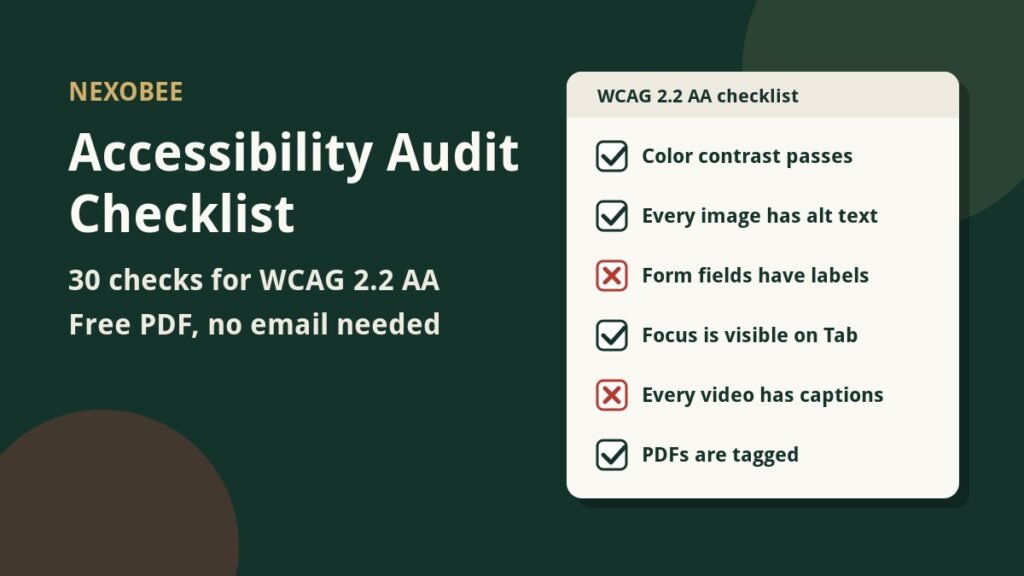
Where the ADA says “people with disabilities deserve access,” WCAG says “here’s exactly how you check whether a piece of web content is accessible.” It’s a long list of specific, testable rules — things like “text needs enough contrast against its background” or “every form field needs a real label.” A developer can check a website against these rules and get a concrete yes-or-no answer for each one.
Think of it like a cooking analogy: the ADA is the promise that a restaurant will serve people who ask for it, without saying exactly how each dish gets made. WCAG is closer to a recipe book — specific, testable instructions a kitchen can actually follow. The promise and the recipe book are related, but they’re not the same document, and no one confuses a cookbook for the law.
ADA vs. WCAG: What’s the Difference?
The short answer: ADA is a law passed by Congress. WCAG is a technical standard written by an international standards organization. The ADA tells you that accessibility is required. WCAG tells you what “accessible” actually looks like in the code of a website.
Here’s a side-by-side comparison.
| ADA | WCAG | |
|---|---|---|
| What it is | A U.S. federal civil rights law | A technical standard for accessible web content |
| Who creates/enforces it | Passed by Congress; enforced by the U.S. Department of Justice | Written by the W3C’s Web Accessibility Initiative (WAI) |
| Purpose | Prevents discrimination against people with disabilities | Gives testable criteria for what “accessible” means in code |
| Is it a technical web standard? | No — the law itself doesn’t name specific web requirements | Yes — that’s its entire purpose |
| What it tells a business | Accessibility is a legal expectation | Exactly which technical criteria to check on a website |
| How it relates to website accessibility | Sets the legal reason accessibility matters | Provides the practical way to measure and achieve it |
Is WCAG a Law?
No. WCAG is not a law — it’s a technical standard, similar to the standards that define how a PDF file works or how Wi-Fi devices talk to each other. Nobody voted on WCAG in Congress, and it doesn’t create legal penalties on its own.
What makes this confusing is that WCAG shows up constantly in legal contexts. Courts, regulators, and lawyers reference WCAG — usually WCAG Level AA — as the practical way to judge whether a website is accessible enough to satisfy laws like the ADA. So WCAG behaves like a legal benchmark in practice, even though it was never written as legislation.
Does the ADA Require WCAG?
It depends entirely on who you are, and this is where a lot of ADA vs. WCAG confusion actually comes from.
Title II covers state and local governments — city halls, public schools, public transit agencies. In April 2024, the Department of Justice published an actual rule for Title II that names a specific technical standard: WCAG 2.1 Level AA. For government websites, this isn’t a suggestion anymore. It’s a binding requirement with real deadlines (state and local governments have until 2027 or 2028 to comply, depending on their population size).
Title III covers private businesses open to the public — which is where almost every small business fits. For Title III, the Department of Justice has never published a rule that names WCAG or any other technical standard by name. There’s no federal regulation that says, in so many words, “private business websites must meet WCAG 2.1 Level AA.”
That gap matters, but it doesn’t mean private businesses are off the hook. Courts deciding ADA cases involving business websites have consistently pointed to WCAG, usually at Level AA, as the practical measuring stick for what “accessible” means. So while WCAG isn’t written into the law for a private business the way it is for a government website, it’s still the standard nearly everyone — courts included — actually uses to judge accessibility.
In plain terms: a private business isn’t handed a specific WCAG requirement by federal regulation the way a city government now is. But if you want a real answer to “what should my website meet,” WCAG 2.1 or 2.2 Level AA is what courts, regulators, and accessibility professionals are already using to answer that question.
What Is WCAG Level AA?
WCAG organizes its rules into three levels: A, AA, and AAA.
- Level A is the minimum. It catches the most severe, obvious barriers, but a site can meet Level A and still be genuinely hard to use for a lot of people.
- Level AA is the middle level, and it’s the one that comes up constantly in this topic. It builds on Level A and adds more coverage, and it’s widely treated as the realistic target for a business website — thorough enough to fix the barriers that matter most, without demanding perfection.
- Level AAA is the strictest level. The W3C itself notes that it isn’t realistic for all types of content, and it’s rarely used as a general target even by large organizations.
That’s why you’ll almost never hear a business talk about “Level A” or “Level AAA” — Level AA is the one that shows up in court rulings, government rules, and industry practice, which is why NexoBee evaluates websites against WCAG 2.2 Level AA specifically. Meeting that standard is a strong, well-documented step. It’s a technical benchmark, though, not a courtroom guarantee, which is the next question worth answering directly.
Does WCAG Compliance Guarantee ADA Compliance?
No. Meeting WCAG Level AA does not automatically make your website legally “ADA compliant,” and no accessibility company can honestly promise that it does.
Here’s why: WCAG conformance is a technical evaluation. It tells you whether specific, testable rules are being met on your website. ADA compliance is a legal conclusion, and legal conclusions depend on facts, context, and ultimately a court or regulator, not a checklist. A business that carefully meets WCAG Level AA is in a genuinely strong position: it has real, demonstrable evidence that it made a serious effort to be accessible, and that’s exactly the kind of evidence that matters if a legal question ever comes up. But “strong position” and “guaranteed” are different words for a reason.
The practical takeaway isn’t to give up on WCAG because it isn’t a guarantee. It’s the opposite: WCAG Level AA is the best, most concrete target available for actually reducing barriers on your website and demonstrating a good-faith effort, even though no technical standard can promise you’ll never face a legal claim.
What Does This Mean for My Small Business Website?
Set the legal terminology aside for a moment. In practice, “following WCAG” means specific, concrete things on your actual website.
A restaurant’s online menu needs enough color contrast that someone with low vision can actually read the prices. A dental practice’s appointment booking form needs real, usable labels on each field, so a screen reader user knows what to type where, not just gray placeholder text that vanishes the moment you click into the box. A local service company’s navigation menu needs to work with a keyboard alone, for someone who can’t use a mouse. A salon or med spa’s online booking widget needs to actually be operable without a mouse too — a common failure point, since a lot of booking widgets are built with custom code that keyboard users get stuck in.
These aren’t abstract legal concepts. They’re specific things that either work or don’t work on your actual site, and WCAG is simply the reference list that tells a developer what “working” looks like for each one.
Real Examples of Accessibility Barriers
A few concrete examples make this easier to picture:
- A customer can’t use your contact form with just a keyboard. They tab through the fields, and focus disappears or jumps somewhere unexpected. They give up before finishing.
- A button has no real name. A screen reader announces “button,” not “Submit reservation.” The user has no idea what pressing it will do.
- Text and its background are too close in color. Someone with low vision or color blindness can’t read your hours or your prices.
- An important photo has no meaningful description. A screen reader either skips it entirely or reads out the image’s file name, like “IMG_4021.jpg,” instead of what the photo actually shows.
- A dropdown menu traps keyboard focus. Once a keyboard user opens it, they can’t tab or escape their way back out.
Each of these maps to a specific, testable WCAG success criterion. That’s the whole point of WCAG: it turns “make your site accessible” from a vague goal into a list of things that can actually be checked, one at a time.
Does My Small Business Need to Worry About This?
There are really two separate questions hiding inside this one, and it helps to pull them apart.
The first is a legal question: “Does the ADA specifically apply to my exact business?” That answer depends on facts about your business — what you sell, how you operate, and sometimes which court would hear a dispute — and it’s genuinely outside the scope of what any article can tell you with certainty. If you need a definitive answer for your specific situation, that’s a conversation for a lawyer familiar with ADA cases in your area, not a blog post.
The second question is a practical one, and it’s the one most business owners can actually act on today: “Should my website be usable by people with disabilities?” For almost every small business with a public-facing website, the answer is yes, independent of how the first question gets resolved. Making your booking form, your menu, and your navigation work for someone using a keyboard or a screen reader isn’t just risk management — it’s making your business usable by more of the customers who are already trying to reach you.
You don’t need to panic, and you don’t need to treat this as an emergency. You do need an honest picture of where your website currently stands.
What Should a Small Business Owner Actually Do?
A sensible, non-dramatic path looks like this:
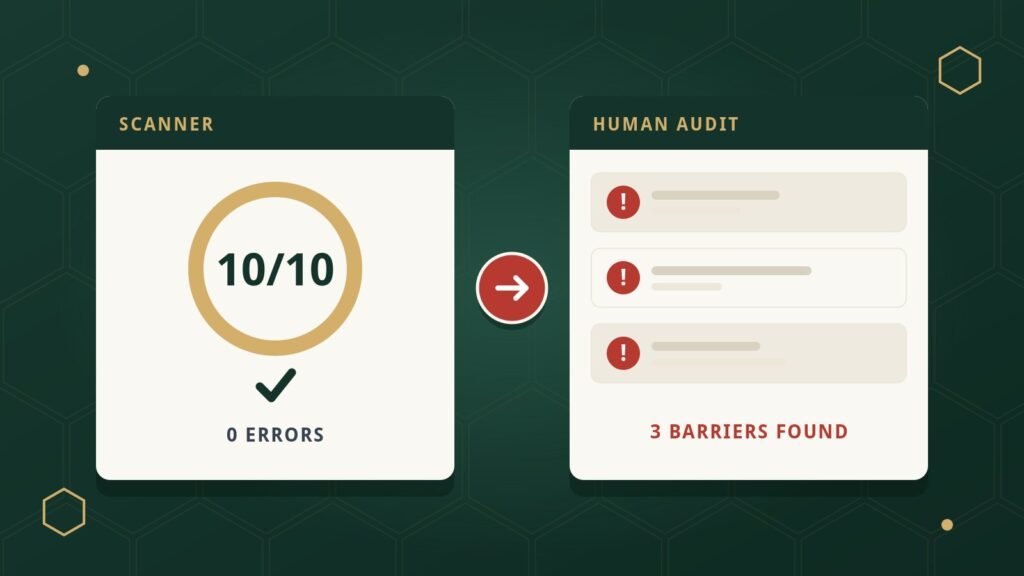
- Find out where your website actually has barriers. An accessibility audit combines automated scanning with real keyboard and screen-reader testing, because no scanner alone catches everything.
- Test against a real standard, not guesswork. WCAG 2.2 Level AA gives you specific, testable criteria instead of a vague sense of “good enough.”
- Include manual testing. Automated tools catch some things, like missing alt text or low contrast, but they can’t tell you whether a screen reader user can actually complete your booking form.
- Fix the real barriers. Remediation means correcting the underlying code — labels, structure, keyboard behavior — not layering a script on top of the existing problems.
- Retest after fixing. Confirm the specific issues that were flagged are actually resolved.
- Keep checking. Websites change through new pages, plugins, and content updates, so ongoing monitoring catches new barriers before they pile up.
NexoBee’s own process follows this same order: automated testing, manual keyboard and screen-reader testing, evaluation against WCAG 2.2 Level AA, and real code-level remediation, not an accessibility overlay widget standing in for actual fixes. If you want the fuller picture of what “ADA compliant” means for a website beyond this ADA-vs-WCAG comparison, our guide to ADA website compliance covers that in more depth.
Frequently Asked Questions
What is the difference between ADA and WCAG?
The ADA is a U.S. federal civil rights law. WCAG is a technical standard, written by the W3C, that explains how to make web content accessible. The ADA says accessibility is required; WCAG describes what accessible actually looks like in a website’s code.
Is WCAG the same thing as the ADA?
No. They’re related but separate. WCAG is commonly used as the technical benchmark for meeting the ADA’s accessibility expectations, but WCAG itself is a set of guidelines, not a law, and it was written by a standards organization, not passed by Congress.
Does the ADA legally require WCAG?
For state and local government websites (Title II), yes — a 2024 Department of Justice rule specifically requires WCAG 2.1 Level AA. For private businesses (Title III), there’s no equivalent federal rule naming WCAG by name, though courts and regulators consistently reference WCAG Level AA when evaluating whether a business website is accessible.
Does following WCAG guarantee my business can’t be sued?
No. Meeting WCAG Level AA substantially reduces real barriers on your site and shows a genuine, documented effort at accessibility, which matters a great deal. But no technical standard can guarantee against a lawsuit, and any vendor who claims otherwise is overstating what their product or service can do.
What WCAG version and level should my business aim for?
Level AA is the level almost universally referenced in practice, and it’s what NexoBee evaluates against. On version, the W3C designed WCAG 2.1 and 2.2 to be backward compatible, so meeting the current version, 2.2, also satisfies the earlier ones.
NexoBee evaluates websites against WCAG 2.2 Level AA using real keyboard and screen-reader testing, then fixes what’s actually broken at the code level. If you want a clear picture of where your own website stands, get in touch.